.svg)
.svg)
.svg)
.svg)




Open-plan offices: advantages and disadvantages
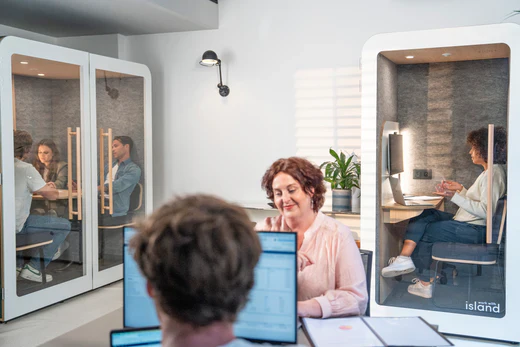
Since the 1980s, open offices have become the standard in many companies, offering an environment that encourages communication among employees. However, they also bring challenges when it comes to focus and privacy. Let’s explore how to optimize open office spaces to balance collaboration and well-being.
The advantages of open-plan offices
Open offices were designed to encourage communication and collaboration within teams - and they offer several key benefits for both companies and employees.
Easier project management
Open-plan layouts make project management more efficient. Managers can easily track progress and step in quickly when needed. Communication flows more smoothly, and feedback circulates faster.
Saving space and money
Open offices also help optimize workspace and reduce real estate costs. By grouping several employees in a single area, companies can lower the total office footprint - and therefore save on rent.
Creating a friendly atmosphere
An open office often frees up space for shared areas dedicated to relaxation or informal conversations. Employees can take breaks together, join company events, and strengthen team bonds in a more convivial setting.

The disadvantages of open-plan offices
While open offices have clear advantages, they also come with challenges that can impact employee productivity and well-being.
Difficulty Focusing
One of the main drawbacks of open offices is the difficulty employees may face when trying to concentrate. Background noise, conversations, and movement around the office can all be sources of distraction - reducing focus and productivity.
Lack of Privacy
Employees may need to work on confidential or personal projects, which can be difficult in an environment where everyone can see and hear what’s going on. This can also create issues during calls or meetings that require discretion.
{{CARDS_TWO}}
How to manage noise and distractions in open-plan offices?
Noise and distractions are among the biggest challenges in open-plan offices. Ambient noise can increase stress and lower productivity, making it essential to find ways to reduce it. Here are a few practical solutions:
Install Soundproof Pods
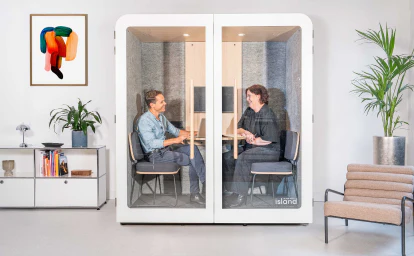
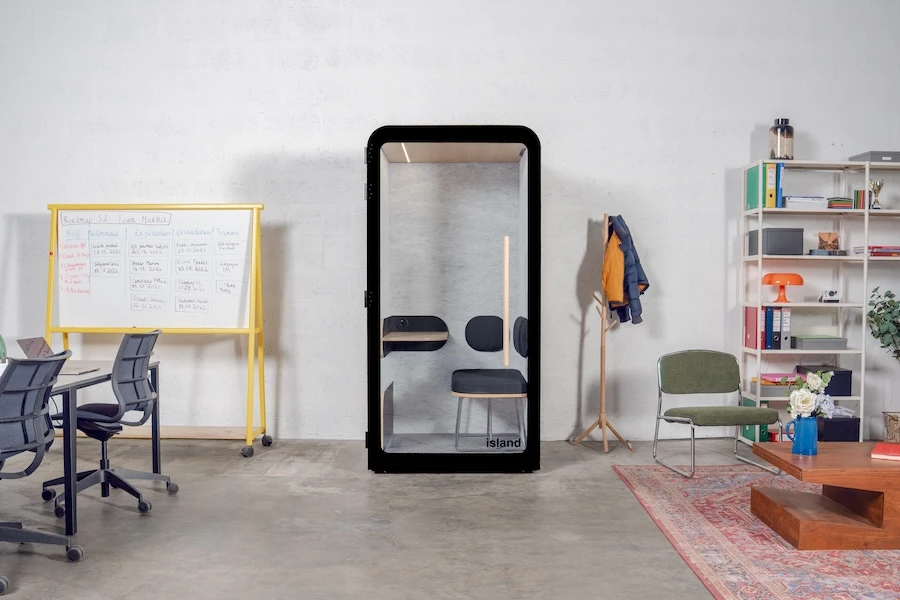
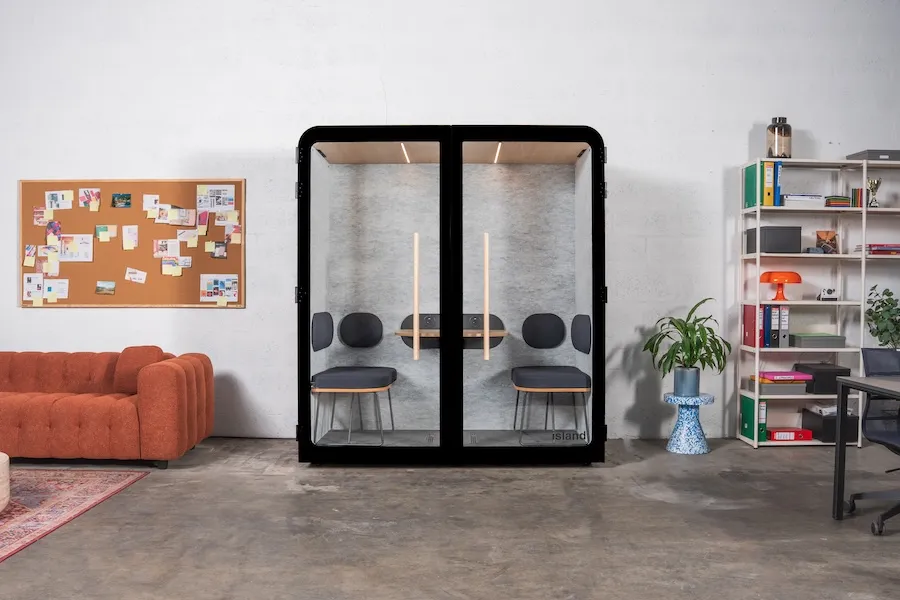
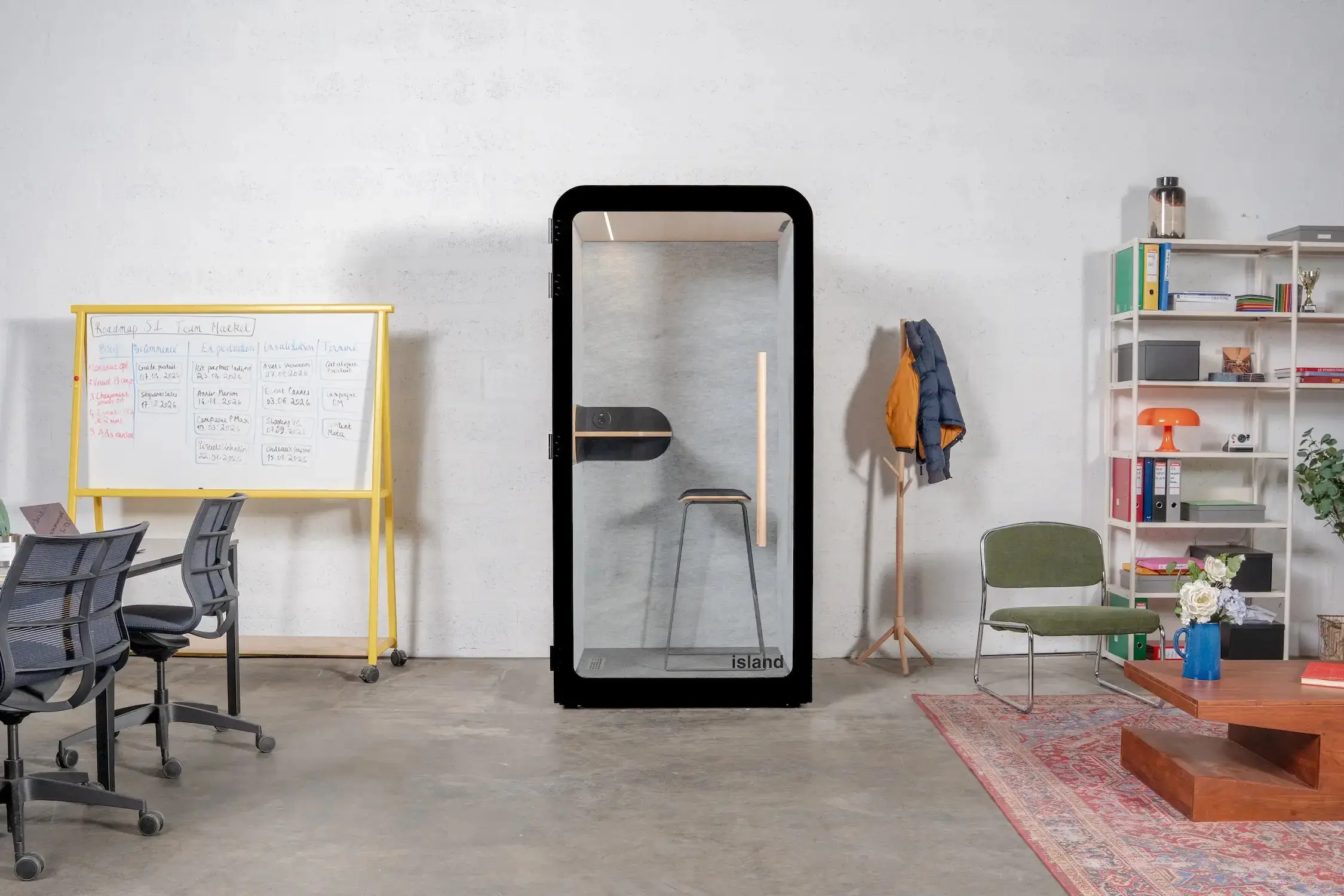
Work With Island acoustic pods are an effective way to provide employees with quiet spaces for focus or confidential calls, even within an open environment.
Encourage Online Communication
Digital communication tools can help reduce noise levels. By using chat or messaging platforms, employees can exchange information without having to speak out loud.
Use Noise-Cancelling Headphones
Noise-cancelling headphones are another efficient solution to minimize distractions and background noise.
{{BANNER_DEFAULT}}
How to Design open-plan offices for collaboration and productivity
A well-designed open office strikes the right balance between collaboration and focus. Finding the sweet spot between shared and individual workspaces is key to supporting both productivity and well-being.
Tips for Optimizing an Open Office
- Assess individual needs: Some employees require quiet areas for concentration, while others thrive in collaborative settings. Understanding these needs leads to a more effective workspace.
- Create collaborative zones: Meeting rooms, conference spaces, and shared tables foster teamwork and spontaneous interaction.
- Provide private areas: Soundproof pods, like those from Work With Island, are perfect for focused or confidential work.
- Use partitions wisely: Glass or acoustic partitions help define areas without disrupting communication, while allowing natural light to circulate.
These design adjustments help create an open office that promotes both productivity and comfort for everyone.
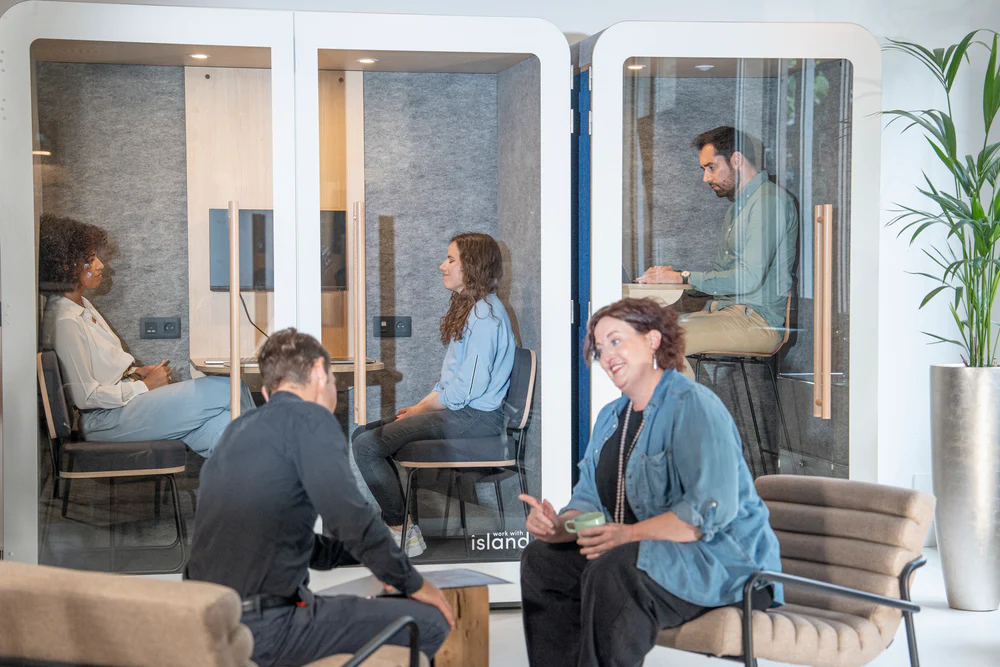
Striking the Right Balance
Open offices come with both advantages and drawbacks. On one hand, they promote communication and collaboration; on the other, they can hinder focus and privacy. Finding the right balance - with thoughtful design and practical solutions - is essential to meet employees’ needs and support their well-being.


.png)

.webp)














.png)